
GARDEN VISUALISATIONS FOR GARDEN & LANDSCAPE DESIGNERS
From plant palette to garden visual.
AI-assisted garden visualisation for professional garden designers — informed by the site, planting direction and project information you’ve already developed.
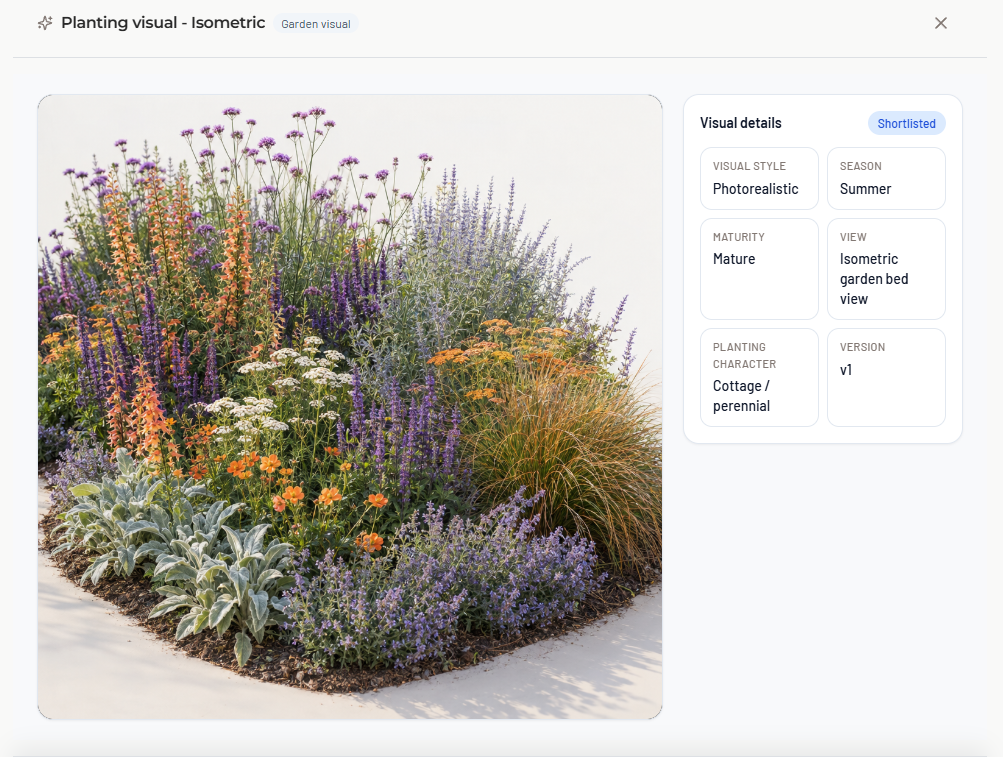
Visualise the design you’re actually creating.
Your project already contains the thinking — the site, plants, materials and planting areas.
PlantFrame carries that information into the visualisation workflow, so you’re not rebuilding the brief every time you create a visual.
Less prompting. More continuity.
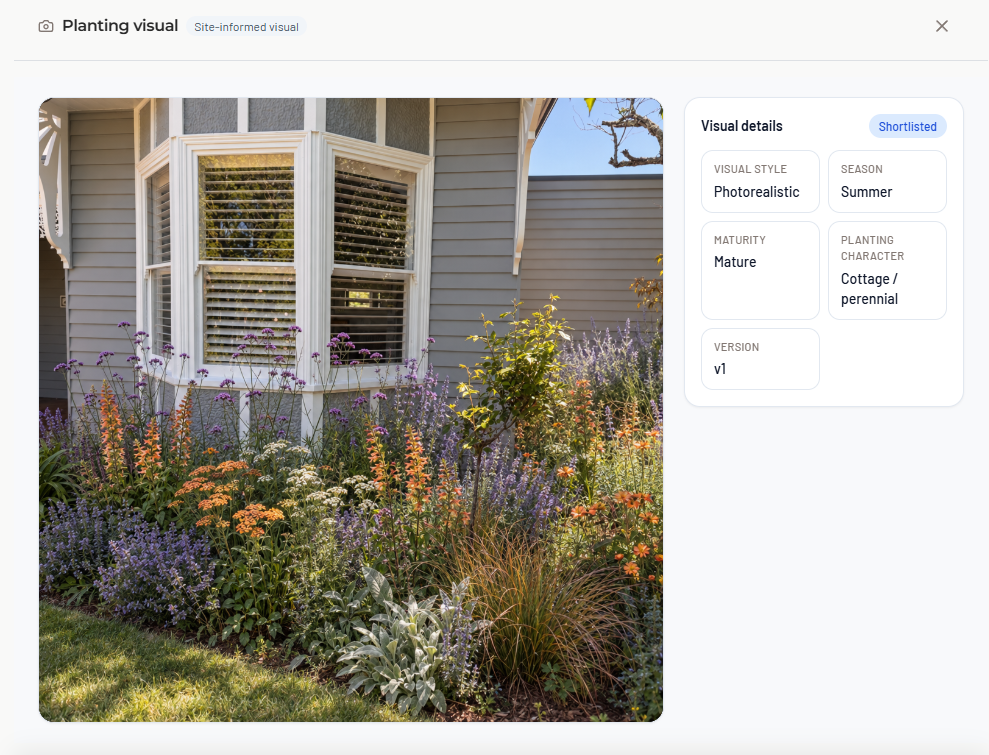
Start with the site.
Use a site photo as the foundation and explore how the proposed garden could look in the real space.
Keep the property recognisable while bringing the planting and design direction to life.
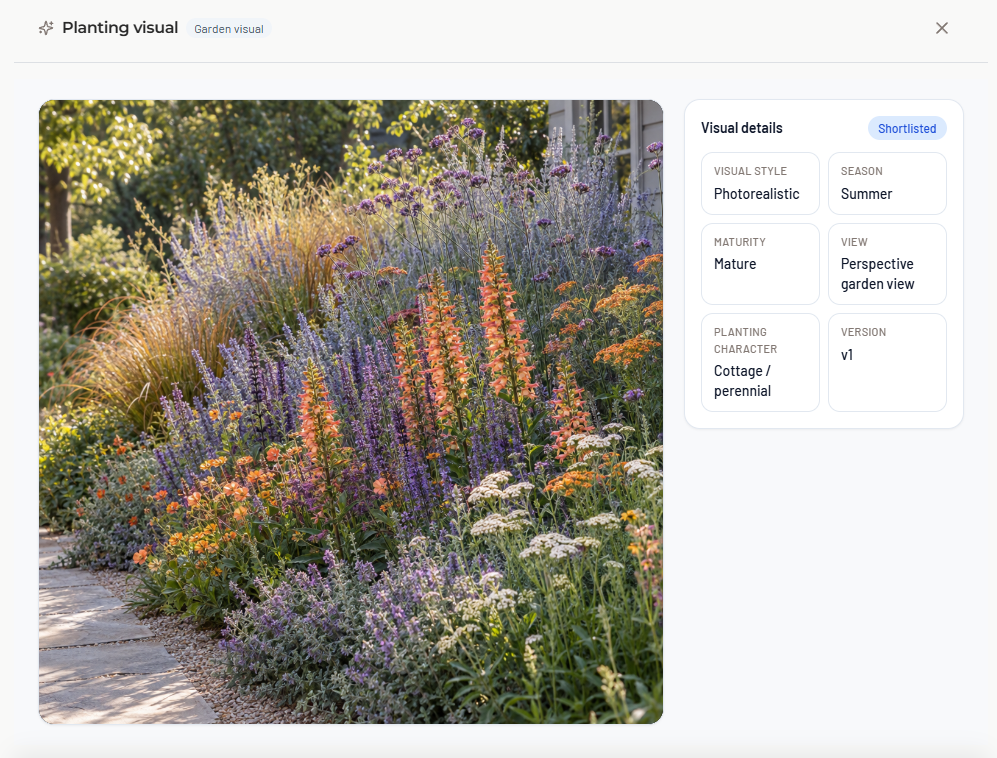
Bring your plant palette with you.
The plants you’ve already researched and selected shouldn’t disappear when you move into visualisation.
Use your PlantFrame project palette to help shape the visual — keeping the image closer to the planting direction you’re actually developing.
Plant Library → Plant Palette → Garden Visual
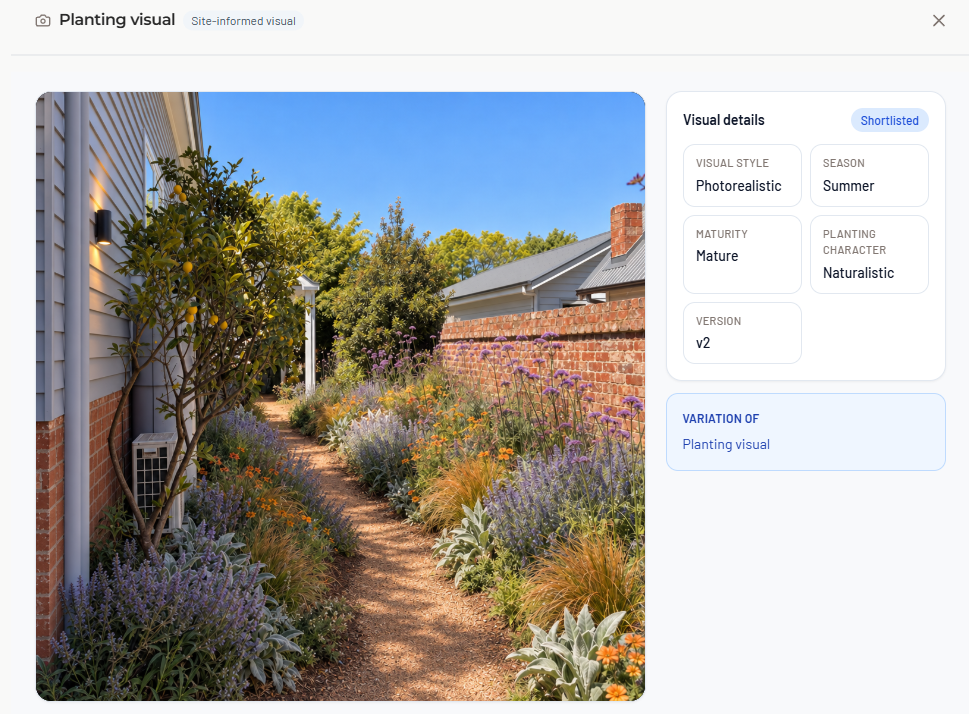
From planting plan to garden visual.
Plans communicate where things go.
Visuals help clients understand what the garden might feel like.
PlantFrame brings those stages together, allowing planting areas and project information to inform the visualisation instead of rebuilding the design in another tool.
Plants and materials. In context.
Bring the wider design direction into the image — not just generic planting.
Use the project’s plants, materials and site context to create a clearer representation of the garden you’re presenting.
Create. Refine. Present.
Generate a direction, make adjustments and explore variations without disconnecting the visual from the project around it.
Then keep the result alongside the rest of the design information you’re sharing with your client.
One project. One evolving design.
Keep plants, planting layouts and visuals connected as the project develops.
Less rebuilding. More designing.
FAQ
Frequently Asked Questions
Yes. Site photographs can be used as the starting point for Garden Visuals, allowing the proposed design to be explored within the context of the existing space.
PlantFrame Garden Visuals are designed to work with the plant direction already developed in the project, helping you carry project selections into visualisation rather than starting again in a separate tool.
Yes. Planting areas developed within PlantFrame can form part of the visualisation workflow, helping connect planting design with client-facing imagery.
For many garden designers, yes. If your work centres on creating planting layouts from an existing base plan, managing plant quantities and preparing planting schedules, PlantFrame can provide the tools you need without a traditional CAD workflow. For detailed site engineering, 3D modelling and comprehensive construction documentation, specialist CAD software may still be required.
PlantFrame uses AI within its Garden Visuals workflow, but it is designed to support the work of professional garden and landscape designers rather than replace the designer. The aim is to help visualise and communicate the design decisions already being made within the project.