
SITE CAPTURE & FIELDWORK
How Garden Designers Capture Site Information During a Site Visit
A practical workflow for turning photos, notes, sketches and observations into organised project information.
A garden design site visit generates a surprising amount of information.
There are photographs to take, existing plants to identify, measurements to record, site conditions to understand, client comments to remember and ideas that occur while you are standing in the space.
The challenge is not simply capturing all of it. It is making sure the information is useful when you return to the studio.
A good site-capture workflow turns observations made onsite into a reliable project record — without relying on memory, loose notes or hundreds of photographs that need to be sorted later.
Capture information where it happens.
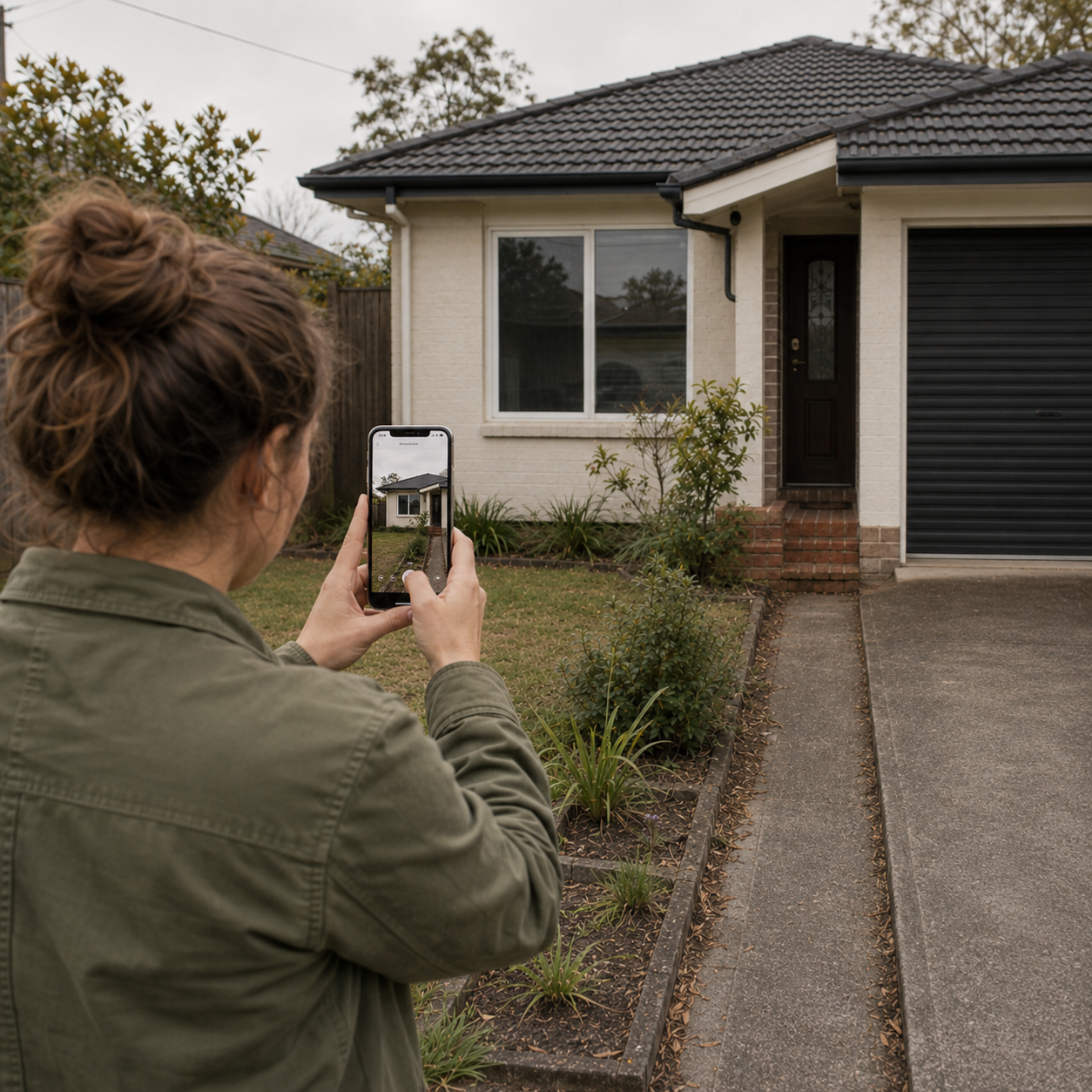
The most useful site information is usually recorded in context.
Instead of trying to remember everything afterwards, capture observations while you are looking at the area they relate to.
That might include:
- site photos
- measurements
- access and circulation
- existing vegetation
- levels and boundaries
- drainage or exposure
- views to retain or screen
- client comments
- materials and structures
- immediate design observations
The aim is not to document every inch of the property. It is to capture the information that will influence the design.
Photograph the site with context.
Site photographs are far more useful when they tell you where you were standing and what you were looking at.
A good photographic record usually includes a mixture of:
- Wide views
To understand the overall space, relationships and orientation.
- Intermediate views
To document individual garden areas, boundaries, structures and transitions.
- Detail photographs
For existing plants, materials, drainage issues, services or anything that may need closer reference later.
It can also help to photograph areas sequentially as you move around the site rather than collecting disconnected images. The easier the photographs are to interpret later, the less time you spend reconstructing the visit from memory.
Record observations, not just measurements.
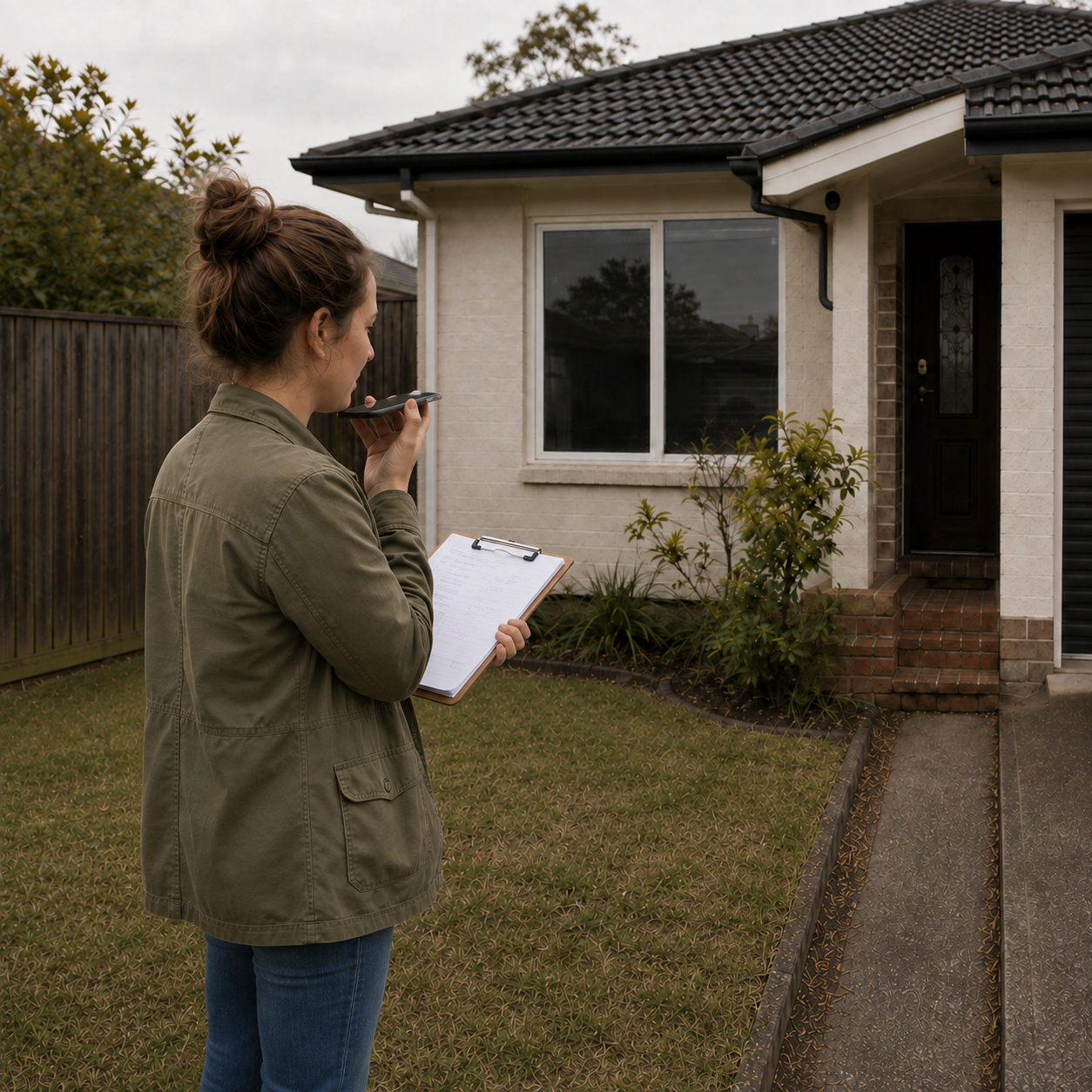
Measurements matter, but they are only one part of understanding a site.
A designer might also notice:
- The western boundary feels exposed in the afternoon.
- This corner stays noticeably damp.
- The neighbouring window becomes prominent from the terrace.
- The existing tree creates a much stronger sense of enclosure than the plan suggests.
These observations can be just as influential as dimensions. Capturing them while onsite preserves the design context that is often lost when information is reduced to a measured plan.
Use a site sketch to connect the information.
A quick site sketch can help organise information spatially.
It does not need to be a finished drawing.
Use it to record:
- approximate boundaries
- existing trees and major planting
- structures
- access points
- key measurements
- level changes
- areas requiring further investigation
- directions of important photographs or views
The sketch becomes a bridge between what you observed onsite and the more accurate drawing work that follows.
Turn rough sketches into usable base information.
Once back in the studio, a site sketch can be cleaned up, redrawn or vectorised into a more usable base plan.
This may involve combining:
- measured information
- survey or architectural plans
- aerial imagery
- site photographs
- handwritten annotations
- the original field sketch
The purpose is not to make the field sketch perfect.
It is to capture enough reliable information onsite that the next stage of drawing and planning is faster and more informed.
Record existing plants while you are standing beside them.
Existing vegetation is much easier to understand onsite than from photographs later.
Where possible, record:
- what the plant is
- approximate size
- condition
- whether it should be retained, removed or reviewed
- its relationship to the surrounding garden
Plant identification tools can be useful for narrowing down an unfamiliar plant while you are onsite, but identification should still be reviewed where accuracy matters.
A suggested identification is a starting point — not a substitute for horticultural judgement.
Capture the client's comments in context.
Site visits often produce valuable client information that never makes it into the formal brief. A client may say:
We never sit here because it gets too hot.
or:
We'd like to keep this view from the kitchen.
or:
This is the plant we really dislike.
Those comments are much easier to interpret when they remain connected to the relevant part of the site.
Rather than relying on a separate notebook or trying to remember the conversation afterwards, capture key comments against the project while you are there.
Debrief while the visit is still fresh.
A short debrief immediately after the visit can be extremely valuable. Before the details begin to blur, summarise:
What did you learn?
What are the major opportunities or constraints?
What needs clarification?
What should happen next?
This might result in:
- a concise site summary
- outstanding questions for the client
- further measurements required
- plants that need confirmation
- documents to request
- design considerations to explore
- immediate project tasks
This turns raw site information into something actionable.
Keep site information connected to the project.
The biggest problem with site capture is often fragmentation.
Photos end up on a phone.
Measurements go into a notebook.
Plant identifications live in another app.
Client comments are buried in messages.
The sketch sits in a folder.
The resulting work is not necessarily lost — but it has to be reconstructed every time the project moves forward.
A more useful workflow keeps the information connected to the project from the beginning.
Onsite capture in PlantFrame
PlantFrame's Onsite workspace is designed around this part of the garden-design process.
Garden designers can capture site photographs, notes, conditions, sketches and Plant ID information against the project while onsite, so the information is already organised when they return to the studio.
That site record can then support the next stages of the project — from reviewing existing conditions and developing the brief to planting decisions, plans, visuals and client communication.
The aim is simple:
capture the site once, then keep that information working throughout the project.
Turn a site visit into an organised project record.
Capture photos, notes, sketches, plants and observations onsite — then turn them into clear project information
and actionable next steps.
FAQ
Frequently Asked Questions
Record the information that will influence the design, including photographs, measurements, existing plants, site conditions, access, boundaries, views, client comments and important observations.
Take photographs systematically and keep them connected to the relevant project or site area. Wide views, intermediate views and detail photographs each serve a different purpose.
Where practical, yes. Existing plants are easier to assess onsite, where size, condition and context can be considered. Plant identification tools can assist, but important identifications should still be reviewed.
Summarise the main site findings while the visit is fresh, identify anything that requires clarification and create clear next actions for the project.
Yes. A rough field sketch can later be combined with measurements, surveys, architectural plans, photographs or aerial information and redrawn or vectorised into more usable base information.